

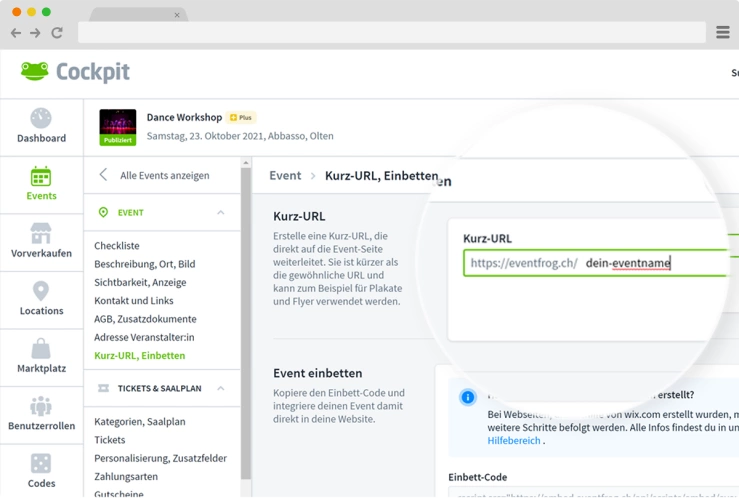
- Create a short URL – ideal for Instagram bio, newsletters & print
- Integrate event QR code – directly on posters & flyers
- Integrate ticket button directly – place directly on your website
- Embed complete ticket shop – as an iFrame with categories & discounts
- Pre-sell offline in advance – at over 1,200 official box offices
Tip: Place your short URL and the purchase or reservation button in a clearly visible position on your channels to reach more potential guests with minimal effort.
Download here >

Use event QR code
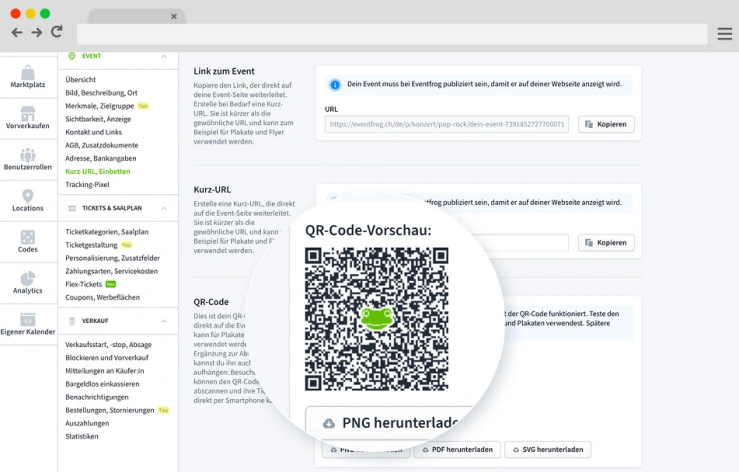
With just a few clicks, you can generate the QR code for your event in your event organiser cockpit.
- Takes guests directly to your event page
- Ideal for posters, flyers, social media and at the entrance
- Tickets can be purchased directly via smartphone
This also simplifies the box office: guests scan the code, purchase their tickets online themselves, and you have less work and shorter queues.
Simple, fast and perfect for smooth admission.
More about the advantages of QR codes
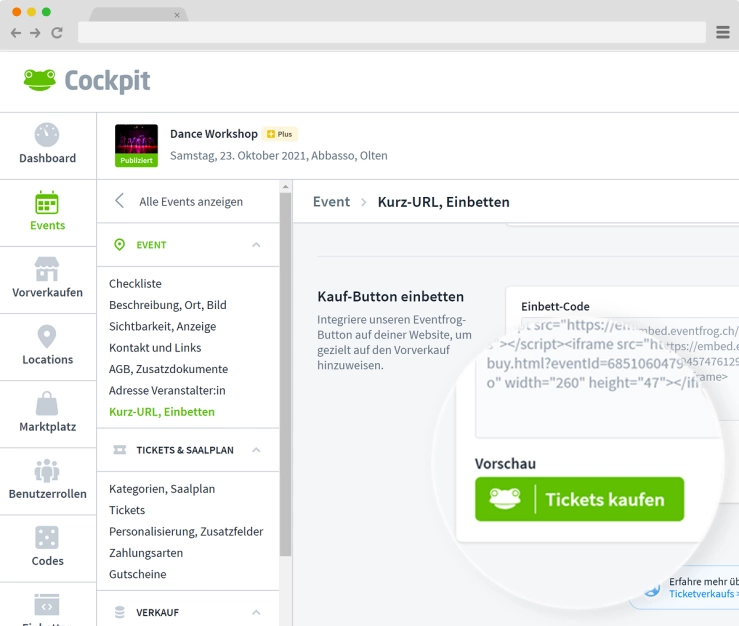
Embed ticket button directly
Embed a «Buy tickets» button that leads directly to your event. You can find the HTML code directly in the cockpit under «Short URL, embed.
- Easy to insert into any page
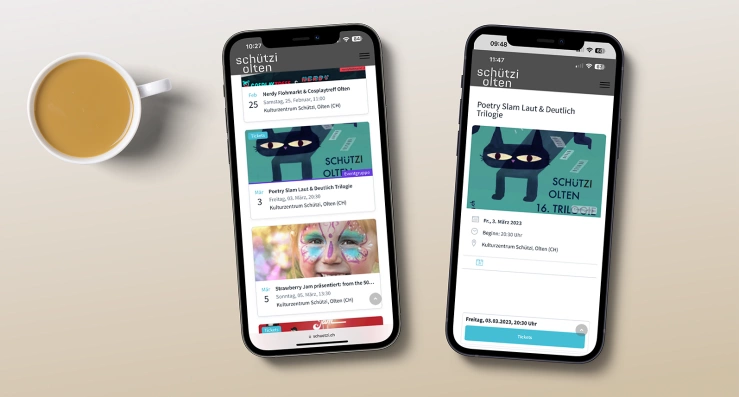
- For events with their own website
- Also for WordPress, Squarespace, etc.
- No redirection – users stay on your page
Tip: No HTML knowledge? Simply embed an image and link it!
Download buttons as images
Visible offline: Public box offices
The sale of tickets via public box offices is free of charge for you as an event organiser and is automatically activated.
- Ideal for people without internet access or for regional visibility
- Partners: post offices, tourist offices, bookshops and many more (Liechtenstein Post, Orell Füssli, SOB, Solothurn Tourism, Baden Tourism Region,Rheinfelden Tourism)
Tip: Communicate this ticket presale option on your channels to reach a wider audience.
More about public box offices
How to use Facebook effectively for your presale
Integrate your ticket presale on your Facebook fan page. With Facebook, you can quickly increase your reach and still run ticket sales via one platform.
Here's how it works:
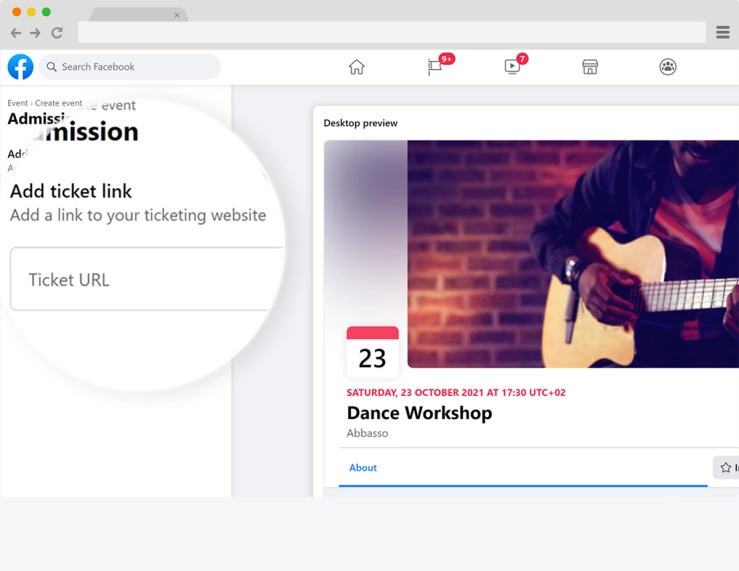
- If you don't have a Facebook page, create a Facebook event
- For both public and private events, you can add the ticket URL for your presales
- In the «Ticket URL» field, enter our short URL, which you can generate and copy in our Cockpit under «Short URL, embed» .